

Trial
Free
for 14 days, every feature
Get early accessEarly access for Windows 10 and 11
Gimotty has the tabs, split panes, SFTP and automation you expect from SecureCRT or Xshell. Its assistant works inside the SSH tab you already have open: it reads the real output, proposes the exact command, and runs it only after you approve. It uses your model, on your network.
Free for 14 days. Pro is US$59 per computer, one-time.
Other SSH clients leave AI in a browser tab, where you copy output in and commands out. Gimotty puts it next to your terminals, with the same sessions and the same permissions you have.
The assistant sees your open SSH tabs, reads their actual output and types into them. It never logs in again and never sends your password to the model.
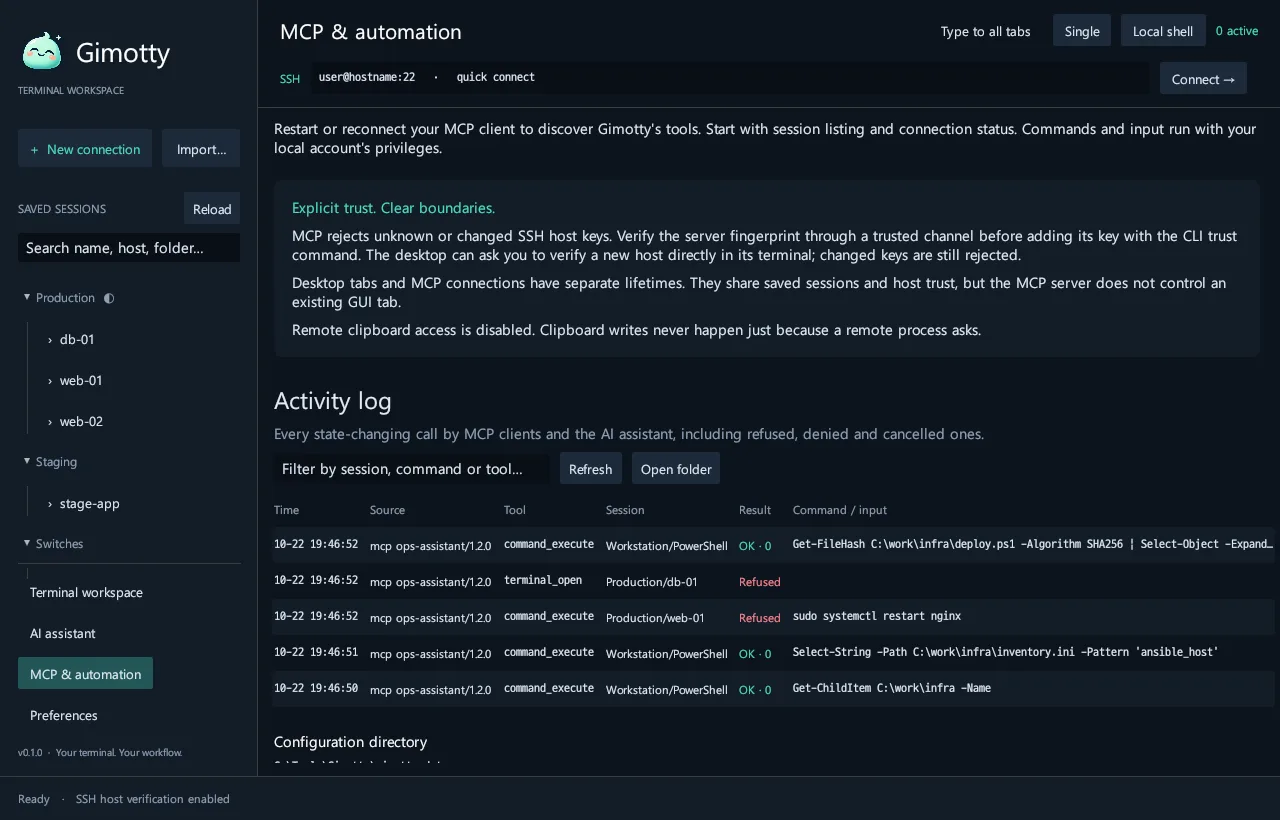
Connecting, typing, running a command and reading or writing a file each open an approval card showing the session, user@host:port and the exact command. Approve once, allow it for this conversation, or reject it.
Connections, input, commands and file operations, including rejected and expired requests, go to a local audit log you can open in the app or with gimotty audit.
Gimotty has no cloud service, no account and no telemetry. The assistant talks only to the model endpoint you choose, so it works the same with a paid API, a server in your data center or a model on your own PC.
store:false.Your servers
SSH, Telnet, serial

Your PC running Gimotty
The model you choose
IRUMX
Receives nothing
gimotty mcp is a local MCP server with 16 tools for sessions, terminals, commands and files. It starts read-only. Connecting, writing and local access are granted only by the flags of the person who starts it, and a tool call cannot raise them.
gimotty mcp-config.{
"mcpServers": {
"gimotty": {
"command": "D:\\Tools\\Gimotty\\gimotty.exe",
"args": [
"--config-dir", "D:\\Tools\\Gimotty\\gimotty-data",
"mcp", "--allow-connect"
]
}
}
}
Bring your sessions, keep your shortcuts and launchers, and use the keys you already have.
.reg file, SecureCRT, Xshell and OpenSSH config. Each session is checked as it comes in..ppk keys (formats 2 and 3) work directly. Gimotty converts each one locally, once, with the same passphrase.# PuTTY
gimotty sessions import putty-registry
gimotty-gui.exe -load "web-01"
gimotty-gui.exe -ssh deploy@web-01.example.com -P 22 -i key.ppk
# SecureCRT
gimotty-gui.exe /SSH2 /L deploy /P 22 web-01.example.com
gimotty-gui.exe /S "web-01"
# pscp / psftp
gimotty files get "web-01" /var/log/syslog .\syslog.txt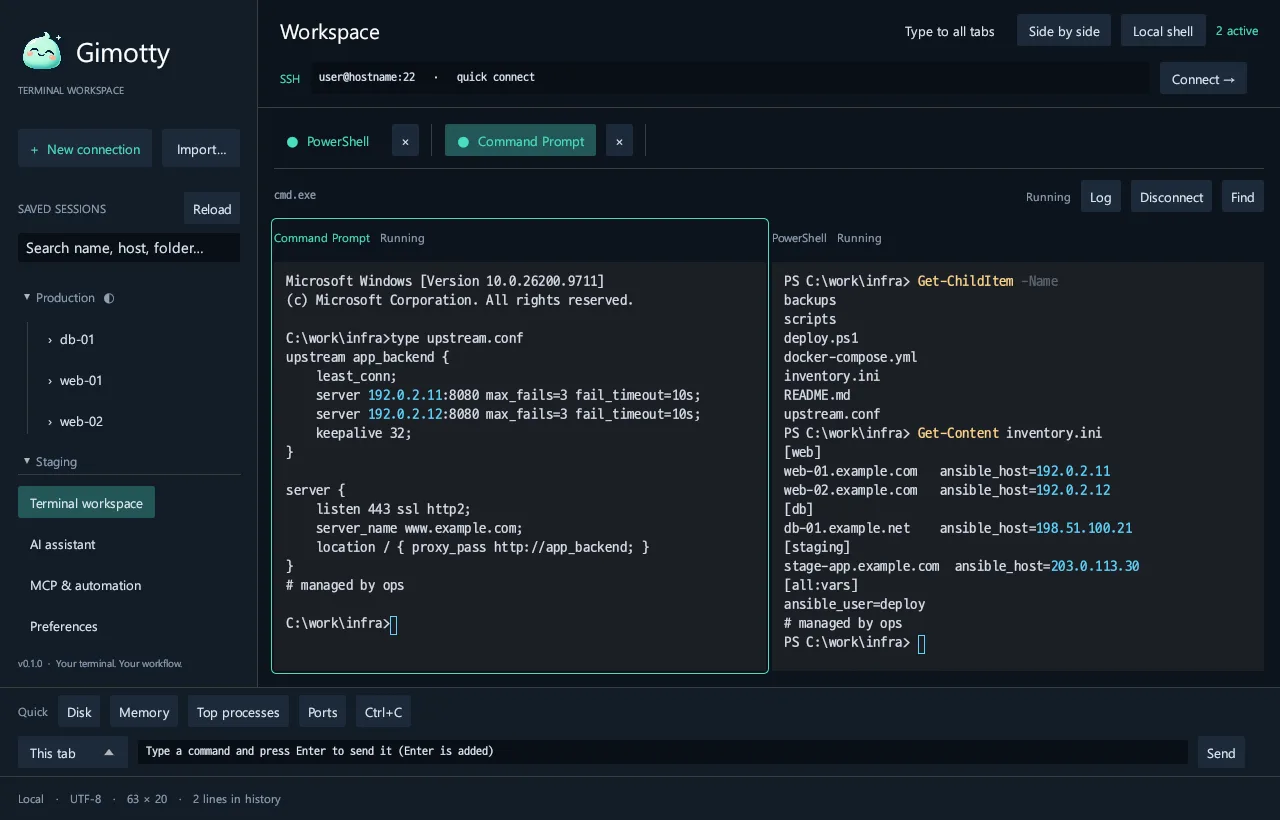
/S, or a portable ZIP. SSH encryption comes from Windows OpenSSH.Better to know now than after you buy.
You bring the model, so there is no usage fee from us. Pay once, activate offline, and get every update through version 1.x.
Free
for 14 days, every feature
Get early accessMost people start here
US$59 €55
per computer, one-time
Order ProUS$49 €45
per computer, from 5 computers
Request a quoteCustom
for closed networks and regulated teams
Talk to usNo. Gimotty has no cloud service, account or telemetry. The assistant sends your messages and the results of the tools it calls only to the model endpoint you configure. With the assistant off, Gimotty talks only to your servers.
OpenAI models through the Responses API, any server that speaks OpenAI-compatible Chat Completions (for example vLLM), or Ollama on your PC. Tools need a model that supports function calling; other models can still chat without them.
No. Listing sessions, reading an open terminal and listing files run without asking. Connecting, typing, running a command and reading or writing a file each wait for your approval, and a request left unanswered for five minutes expires without running.
Yes. Gimotty accepts PuTTY command lines such as -load, -ssh, -P, -l, -pw and -i, and the SecureCRT SSH forms /SSH2, /L, /P, /S and /T. PuTTY .ppk keys work directly.
Yes. Gimotty itself needs no internet connection. Point the assistant at a model server inside your network, such as vLLM or Ollama. Plain HTTP to a private address is allowed only after you confirm a warning.
Not yet. Gimotty 0.1 is for Windows 10 and 11 (x64).

Every feature is free for 14 days. No account, no credit card.